How can we help?
Guides and answers for everything in Crewferry.
Start here
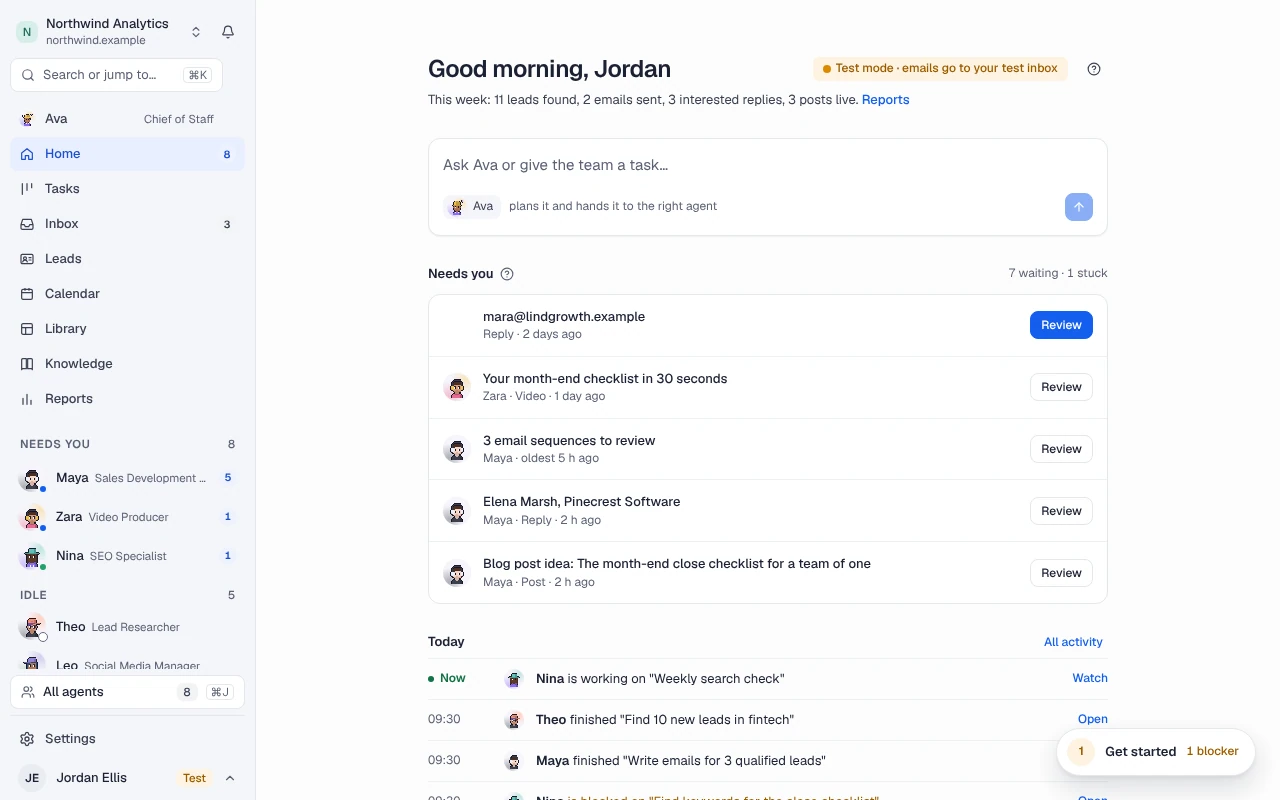
 IntroductionWhat Crewferry is: a squad of AI teammates for your go-to-market, led by Ava, that drafts the work and asks before it acts. 3 min
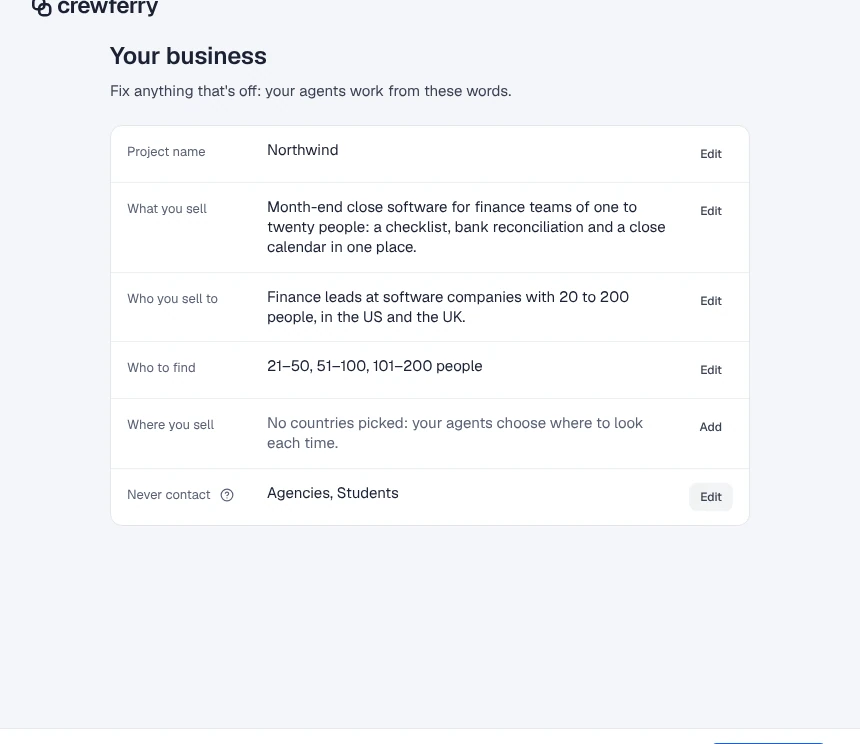
 QuickstartCreate your Crewferry account, tell the squad about your business, connect your AI account and give Ava a first task. 15 min
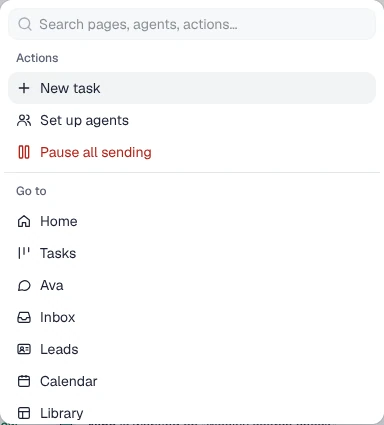
 Find your way aroundThe sidebar, your team list, switching projects, the command menu, All agents, help cards, Get started and keyboard shortcuts. 9 min
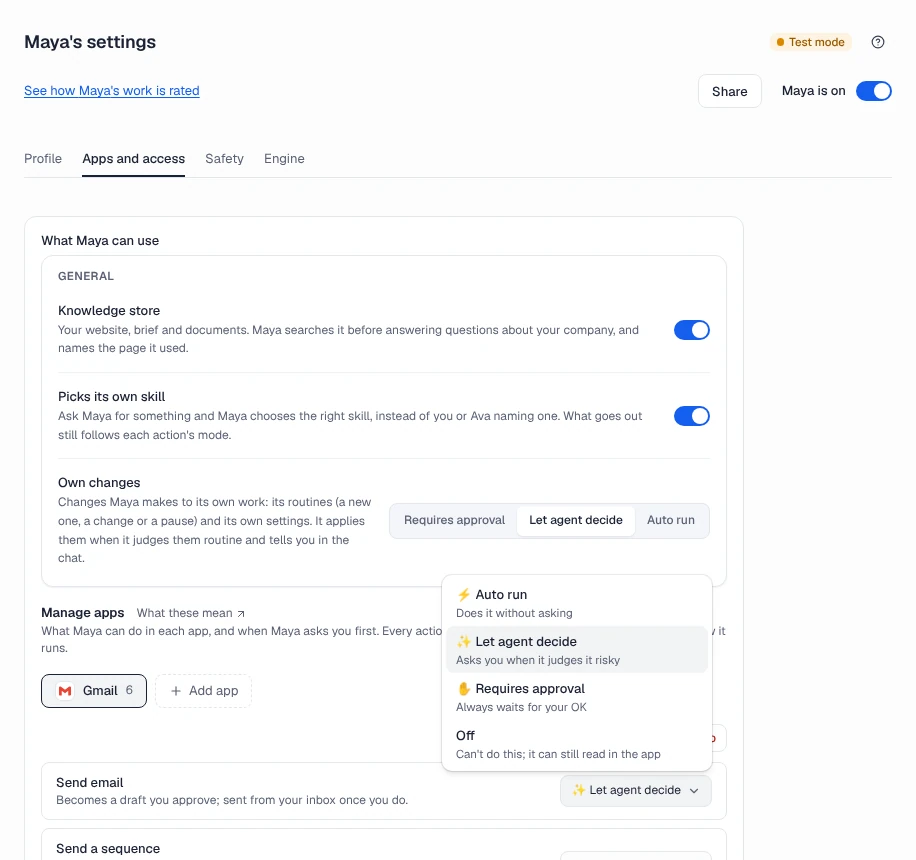
 ApprovalsHow drafts wait for your OK, how to approve, edit or reject them, and how to let some actions run on their own. 10 min
Browse by topic
- Start hereWhat Crewferry is, your first project, Home and finding your way around.4 articles
- BasicsHow approvals work, what your plan includes and the limits that keep agents in check.3 articles
- AvaChat with your chief of staff, her routines and nightly learning, her settings and how she reaches you.5 articles
- Your workTasks, replies, leads, posts, what the squad made, what agents know and the weekly report.7 articles
- AgentsYour team, each agent's page, settings, skills, routines and notes, and the agents with screens of their own.16 articles
- Channels and appsConnect the apps your agents work in, and reach them in Slack and by email.4 articles
- SettingsWhere settings live, your project, sending, contacts, AI accounts, your organization and API keys.7 articles
- Your accountSign in, two-factor, your devices, your profile and your data.5 articles
- Organizations and ProjectsHow your team and projects fit together, switching, invitations and roles.3 articles
- HelpQuick answers, and what to do about the messages you may see.2 articles
Still stuck?
Tell us what you're trying to do and we'll help you get there.